Email attachments
You can include file attachments in notification emails. This allows an email with one or more attachments to be sent automatically when a specific event is triggered. The steps below walk through how to define the required event schema, configure a notification to include attachments, and trigger the event.
First, create an event schema that includes an emailAddress attribute. This attribute will be used by the notification service to determine where the email should be sent.
{
  "type": "object",
  "properties": {
    "emailAddress": {
      "type": "string"
    }
  },
  "required": [
    "emailAddress"
  ],
  "additionalProperties": true
}
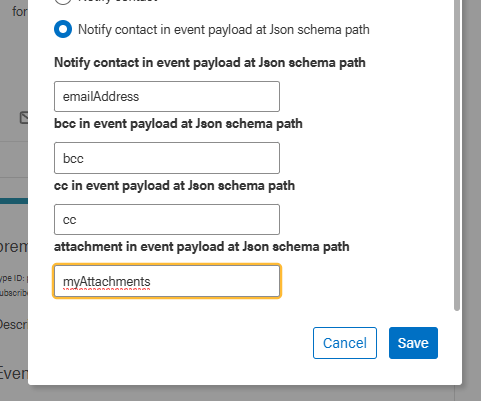
Next, create a new notification or update an existing one. Add a custom name for the attachment path (for example, myAttachments) and include the emailAddress attribute.
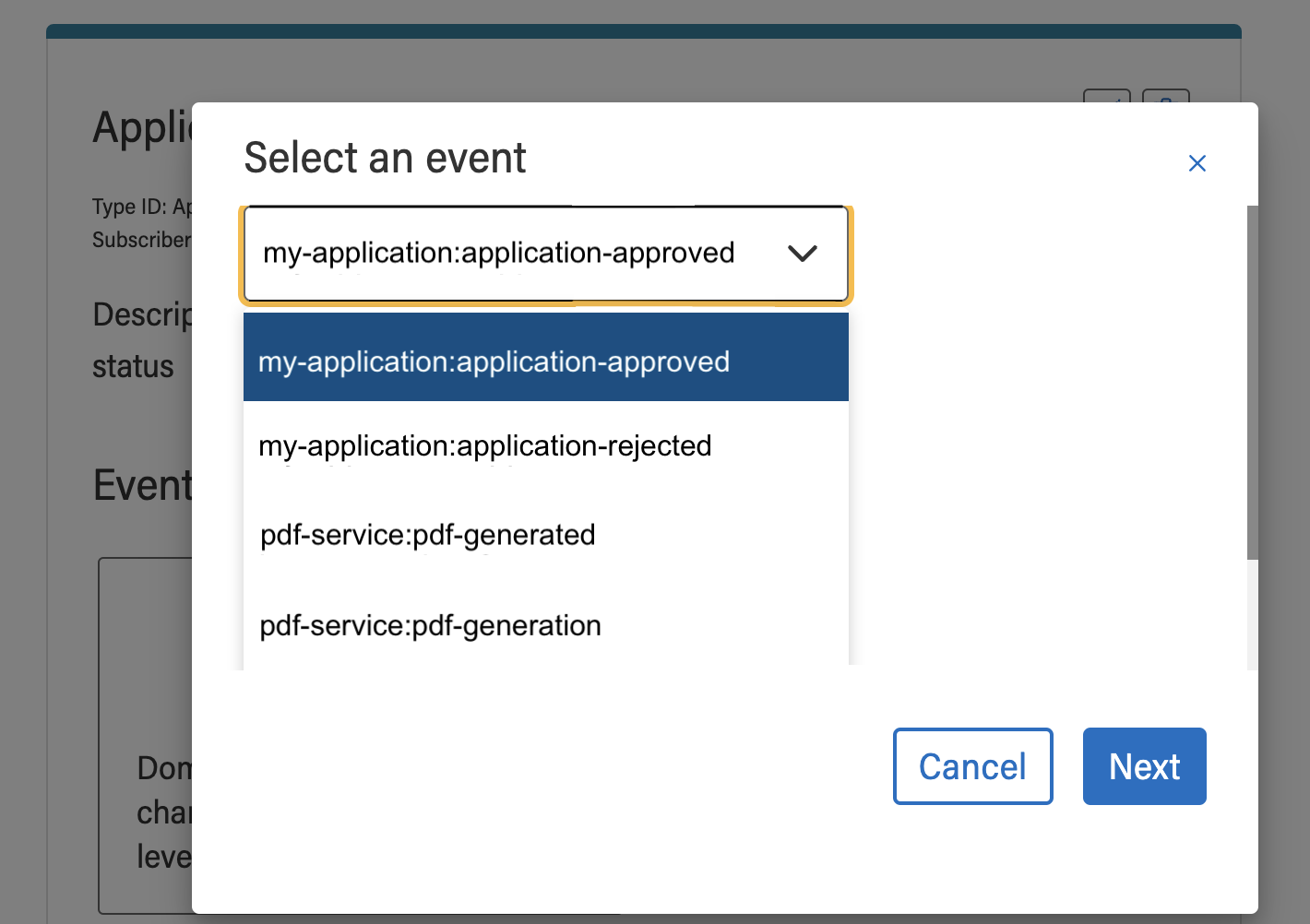
Associate the notification with the event you created in the previous step.
Then, customize the notification content as needed, using Handlebars templates if desired.

Now you are in a position to trigger the event (example done using postman)
At this point, the notification is ready to be triggered. The example below demonstrates triggering the event using Postman.
For the myAttachments field, provide the fileId values of the files you want to attach. These IDs can be obtained from the File Service UI or via the File Service API.
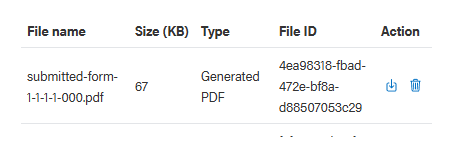
The file must be accessible to the notification service. This means the file type it is categorized under must grant the platform-service role, or at least one of the notification-service roles.
POST /event/v1/events
eg (https://event-service.adsp-dev.gov.ab.ca/event/v1/events)


BODY
{
  "namespace": "my-application",
  "name": "application-approved",
  "correlationId": "test-user-001",
  "context": {
    "tenantId": "61e9adc..."
  },
  "timestamp": "2025-04-28T18:00:00Z",
   "payload": {
    "emailAddress": "weyermannx@gmail.com",
    "myAttachments": ["4ea98318-fbad-472e-bf8a-d88507053c29"]
  }
}
If configured correctly, the recipient will receive an email using the specified template, with the selected file(s) attached.