Scroll Panel
A bounded container with sticky header and footer slots that scrolls its body content when it overflows.
Props
height
string
Sets the height of the panel. Any valid CSS height value (e.g. "400px", "100%", "100vh"). Defaults to "100%". The parent element must establish a height context for "100%" to work.
testId
string
Sets a data-testid attribute for automated testing.
ReactNode
footer
ReactNode
Content rendered in the sticky footer region.
header
ReactNode
Content rendered in the sticky header region.
Usage
Scroll panel keeps a header and footer in place while the content between them scrolls.
You usually will not add scroll panel yourself. It works inside several other components, giving each one the same scrolling and the same soft shadow when there is more to see:
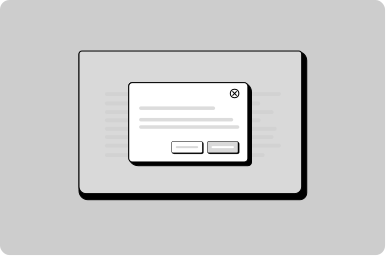
- Modal scrolls its content between the fixed heading and the buttons.
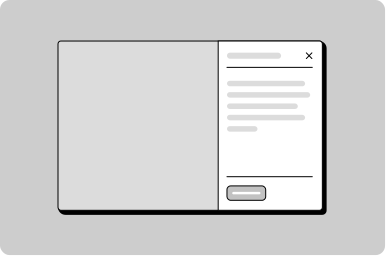
- Drawer and push drawer scroll their content under a sticky header.
- Work side notification panel scrolls its list under the tabs.
- Work side menu scrolls its navigation under a sticky heading.
You can also use it on its own when you need a box whose content scrolls while a header or footer stays in place.