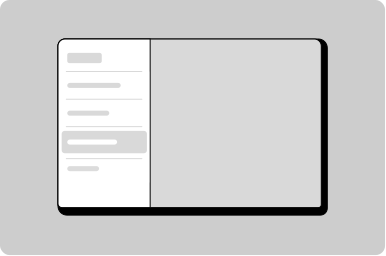
Work Side Menu
Side menu variant for worker applications.
Props
heading
string
The application name displayed in the header.
url
string
URL for the header link. Clicking the logo/heading navigates to this URL.
open
boolean
Controls whether the side menu is expanded or collapsed.
testId
string
Sets a data-testid attribute for automated testing.
userName
string
User's name displayed in the profile section.
userSecondaryText
string
Secondary text displayed below the user's name, such as role or email.
Events
onNavigate
(path: string) => void
Callback fired when a menu item is navigated, providing the target URL path.
onToggle
() => void
Callback fired when the side menu is toggled open or closed.
ReactNode
accountContent
ReactNode
Content rendered in the account/profile slot.
primaryContent
ReactNode
Content rendered in the primary navigation slot.
secondaryContent
ReactNode
Content rendered in the secondary navigation slot.
Work Side Menu Group Props
heading
string
The text displayed in the group heading.
icon
GoabIconType
Icon displayed before the group label. When omitted, no icon is rendered and no space is reserved.
open
boolean
Whether the group is open.
testId
string
Sets a data-testid attribute for automated testing.
Work Side Menu Item Props
label
string
The text label displayed for the menu item.
badge
string
Badge text displayed alongside the menu item (e.g., notification count).
current
boolean
When true, indicates this is the currently active menu item.
divider
boolean
When true, displays a divider line above this menu item.
icon
string
Icon displayed before the menu item label.
testId
string
Sets a data-testid attribute for automated testing.
type
GoabWorkSideMenuItemType
Sets the visual style of the badge. Use "emergency" for urgent items, "success" for positive status.
Defaults to
normal.
url
string
The URL the menu item links to. When absent, renders as a button instead of a link.
Work Side Menu Item ReactNode
popoverContent
ReactNode
Content rendered inside the popover panel attached to this menu item.
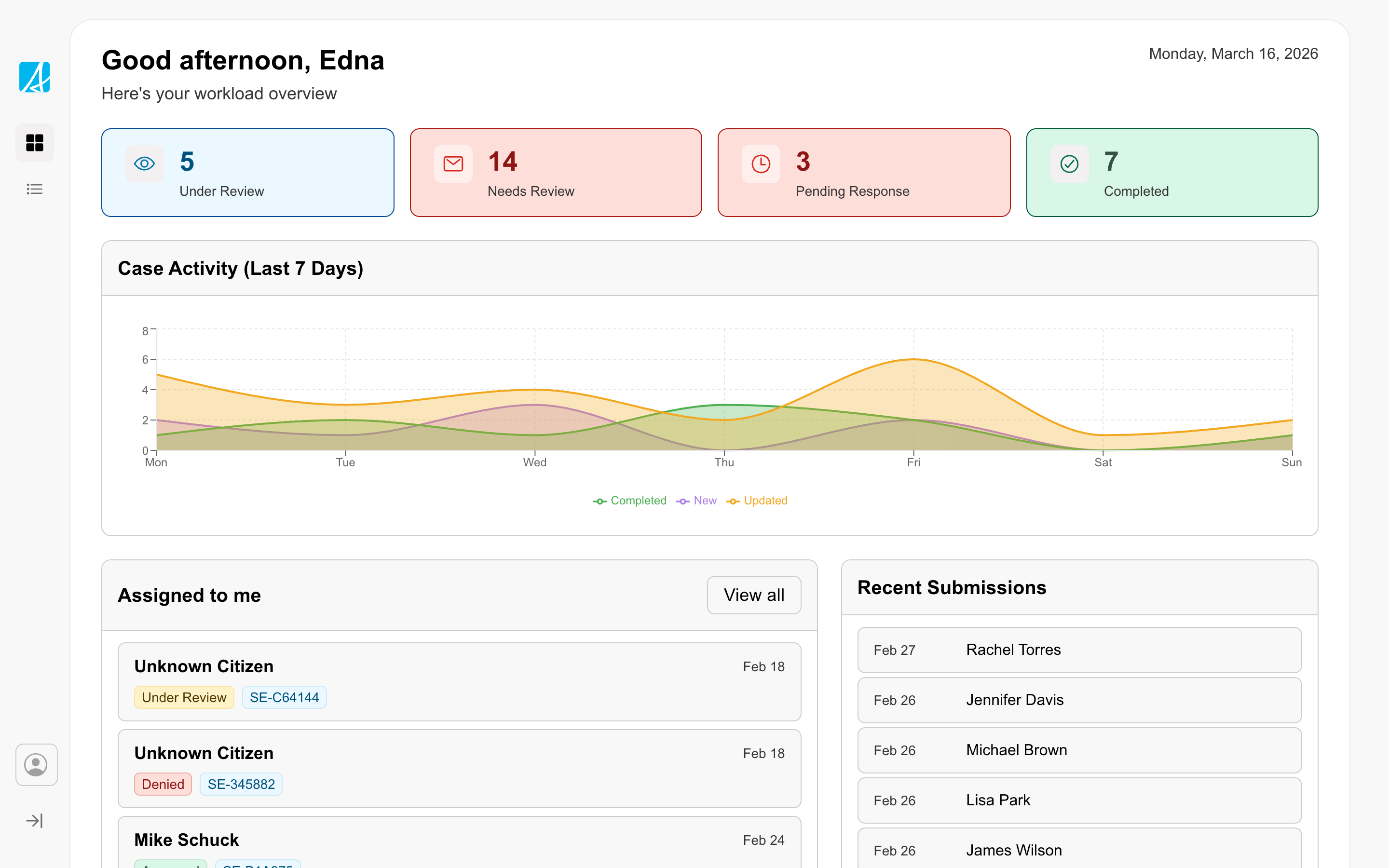
The workspace is for productivity-focused services used by service delivery staff as a daily tool to review information, manage records, and complete tasks. The design prioritizes productivity, efficiency, and accuracy so staff can move through their work quickly while ensuring the best outcome for citizens and government.
Workspaces should be adapted to fit each service's context and user needs. The reference example is a starting point to expand on, not a rigid template.
Other
Tip
Use WorkSideMenu when the experience is in worker mode: a productive, power-user tool where users move through dense work efficiently. This isn't only about government staff. Some citizen-facing services are also worker mode, like a contractor who files permits daily. Don't use WorkSideMenu in simplified, guided experiences like public forms.